Skip to content

Some places come to life before they exist.

Development websites with 3D, unit selection and a back office to manage documents and sales.

  1. 01

    The drawings

About Getvision

From the first impression to managing the sale.

Getvision connects a development’s presentation with its sales management. We create the landing page with 3D, floor plans and unit selection, and the back office where the team manages data, documents, financial terms and sales.

For buyers
Explore and compare
For the team
Manage and sell
Presentation
Website, 3D and 360°
Operations
Units, documents and CPCV

Live demo

Try it yourself.

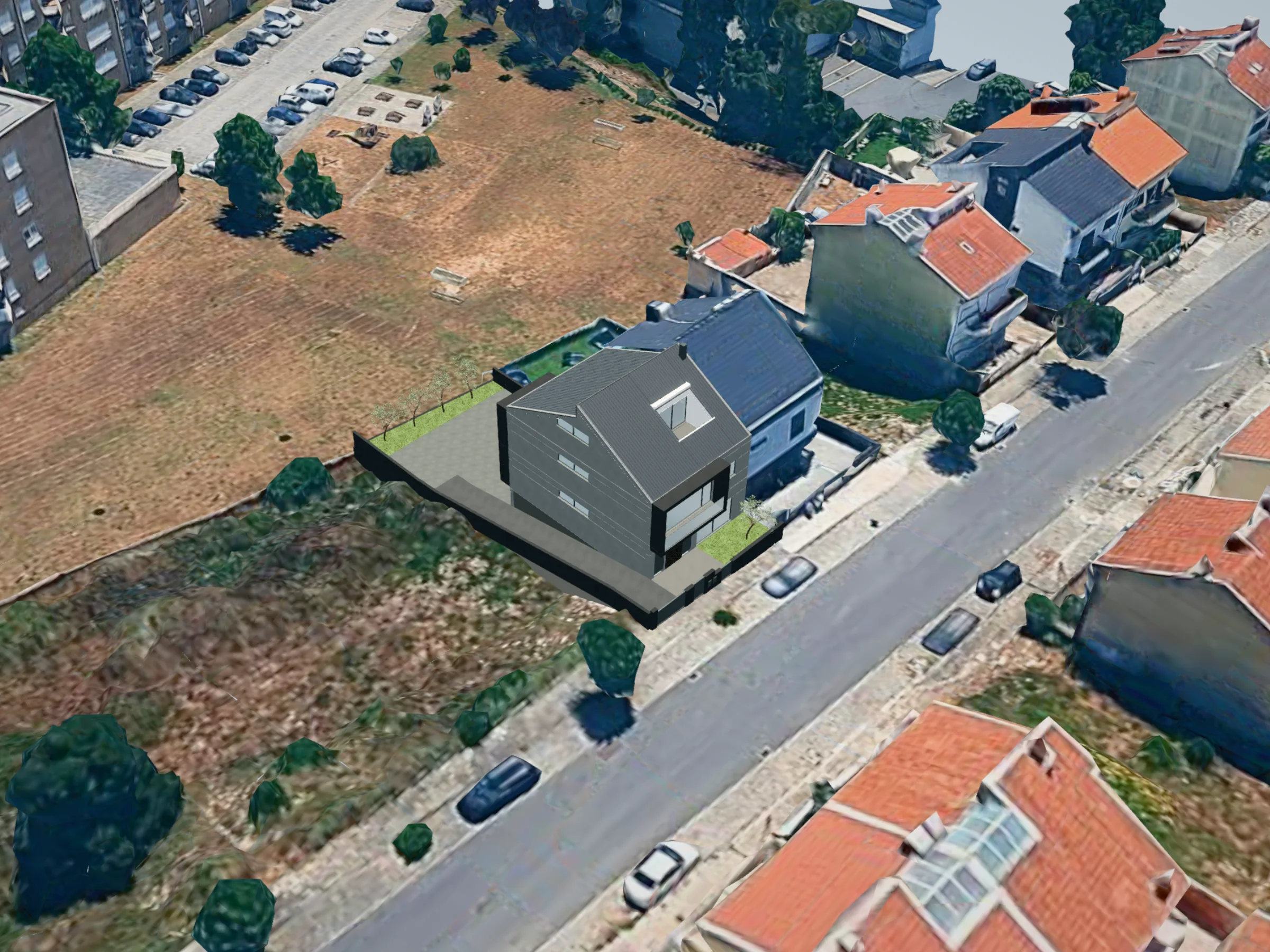
Explore the LD38 house in its real surroundings. Orbit it on its street, zoom in and see the sunlight in the morning, at noon and in the late afternoon.

LD38

Valongo

Open full screen
The LD38 house in 3D on its street in Valongo

Drag to orbit. Use the wheel or two fingers to zoom.

Google

Drag to orbit. Use the wheel or two fingers to zoom.

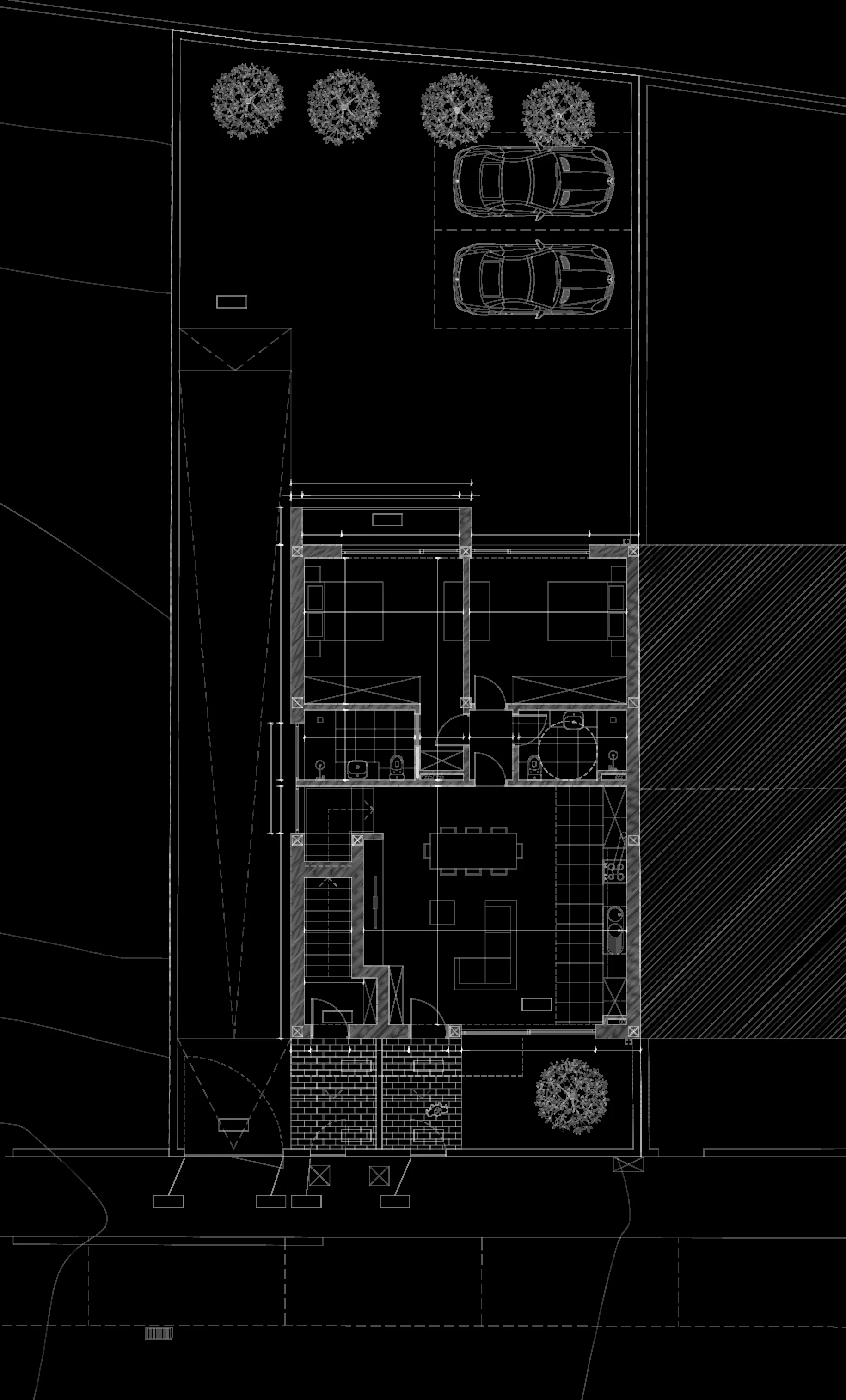
Project model placed on Google's 3D surroundings. Placement taken from the project site plan.

Our solutions

Explore the development

A landing page tailored to the project, with the building, homes and information that help buyers choose.
LD38 · Valongo

Rés-do-chão

Fração A

89,93m² · Área útil

  • Sala e cozinha39,30 m²
  • Suite17,00 m²
  • Quarto14,80 m²
  • Casas de banho10,00 m²

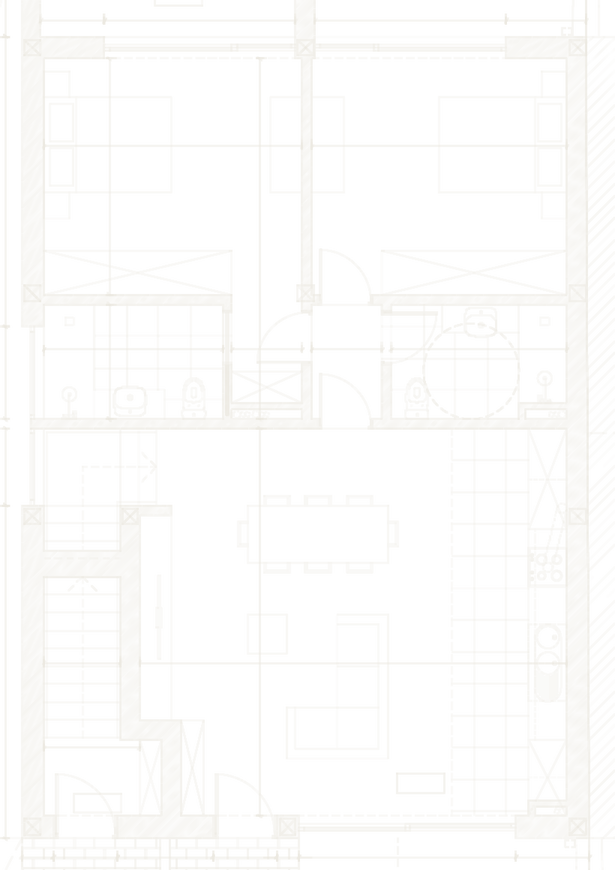
Floor plans and unit comparison

Browse plans, areas and features. Compare units to understand the differences between the options.

Unit management

Edit unit data in the back office and import information from Excel and PDF files.

TOWER A · AVAILABILITY

Available

16

Reserved
5
Sold
5

Sample data

Film and presentation

Present the development with images and film, and offer the presentation as a download.

LD38 · Sample data

3D, interiors and surroundings

Explore the model, visit interiors in 360° and discover the materials and the building’s relationship with its location.

LD38 · June 21

14:42

67° · 224°

07:0021:00

Documents and sales management

Organise documents by unit, generate a CPCV with buyer details, and manage the sale record and partner notifications.

ExcelPDFUnitsCPCVDocumentsEmailgetvision

From choosing a home to managing the sale.

For the home buyer

  1. Discover the project

    Explore the architecture, materials, location and surroundings on the development landing page.

  2. Find a unit

    Browse by floor and home type. A guided journey can help match the options to the buyer’s preferences.

  3. Explore the spaces

    View plans, areas, images, the 3D model and 360° interiors, depending on the project’s content.

  4. Compare options

    Compare unit features to understand which option best suits your needs.

  5. Keep the information

    Download the development presentation and enquire about the unit that interests you.

Plan · LD38

For the sales team

The back office brings together development information and the tasks that accompany each sale.

Units and imports
Edit unit data and import information from Excel and PDF files.
Financial terms and campaigns
Enter financial terms and temporary campaigns for the development in the back office.
Document folder for each unit
Organise each unit’s documents in a dedicated folder, ready to consult and share.
CPCV generation
Generate the Portuguese promissory purchase and sale agreement using the buyer’s and unit’s details.
Sale record and document sending
Record the sale and send the unit’s documents from that record.
Partner emails
Partners receive an email notification when a sale occurs.

Configuration and modules are defined for each development.

Explore the reference projects.

See how the presentation adapts to two different developments.

These examples show the public presentation. Back-office access is restricted.

More than a website.

  • PresentationTraditional: Plans and images in separate filesWith Getvision: A development website with plans, 3D and 360° interiors
  • SelectionTraditional: Reviewing each unit separatelyWith Getvision: Exploring and comparing units on the landing page
  • DataTraditional: Updates scattered across filesWith Getvision: Unit editing and Excel/PDF import in the back office
  • DocumentsTraditional: Attachments spread across folders and emailsWith Getvision: A folder for each unit and CPCV generation with buyer details
  • SaleTraditional: Documents and communication handled separatelyWith Getvision: Sale records, document sending and partner emails

From concept to experience.

  1. 01

    Discover

    Project dependent

    Understanding the project, its buyers and its sales strategy.

    You receive

    • Kick-off workshop
    • Audience & sales strategy
    • Content and asset map

    From you · One workshop with your sales and marketing leads.

  2. 02

    Design

    Project dependent

    Creating the visual and interactive experience, in your development's language.

    You receive

    • Art direction
    • User journeys
    • Interactive prototype

    From you · Review and approval of the design and proposed journey.

  3. 03

    Develop

    Project dependent

    Building the digital solution, fast, accessible and reliable on every screen.

    You receive

    • Development website and back office
    • Unit editing and imports
    • Documents, CPCV and sale notifications

    From you · Final renders, plans and price lists.

  4. 04

    Deliver

    Project dependent

    Launching a polished, high-performance experience, and keeping it sharp.

    You receive

    • Sales team training
    • Go-live
    • Support for the sales team

    From you · Final validation of content and team access.

Good questions.

Can't find what you're looking for? We're happy to talk it through.

Start a project
  • Yes. The solution connects the development’s public presentation with sales management. Content, modules and access are defined for each project.

  • Yes. The back office supports unit editing and importing information from Excel and PDF. The structure and data to import are defined around the project files.

  • Yes. It can generate a Portuguese promissory purchase and sale agreement using buyer and unit details. The document template is defined for the project.

  • Each unit has its own document folder. The sale record allows these documents to be sent, and partners receive an email when a sale occurs.

  • Yes. The team can enter financial terms and temporary campaigns in the back office.

  • We gather plans, presentation material, unit information, documents and commercial terms. The schedule is agreed once the project scope has been defined.

  • Development landing page
  • 3D models and 360° tours
  • Unit comparison
  • Excel and PDF import
  • Documents per unit
  • CPCV generation
  • Partner notifications
  • Financial terms and campaigns

Start a project

Have a project worth experiencing?

Tell us about the development and how your team works. We will define the public presentation and back office you need.

Tell us about your development

Takes about a minute.

Project type

Fields marked * are required. We only use your details to reply.